

As of today, April 9, 2026, many candidates expecting to print their JAMB exam slips are still unable to access the reprinting portal. While reprinting is typically scheduled to begin about a week before the exam, the portal has not yet officially opened as at the publish time of this article.
This has left thousands of candidates searching for updates, refreshing the portal, and wondering when exactly they will be able to print their exam slips. If you’re in this situation, don’t panic. Here’s everything you need to know.
Is JAMB Reprinting 2026 Open Today?
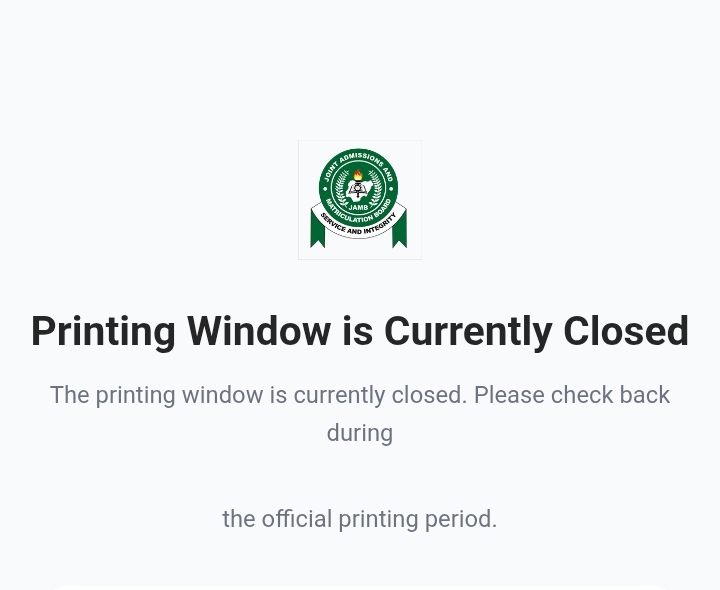
At the moment, the JAMB reprinting portal is not yet open. Although April 9 falls within the expected timeline for reprinting to begin, candidates are still seeing messages indicating that the printing window is closed. This simply means that JAMB has not activated the portal yet.
It is important to understand that JAMB does not always follow an exact fixed time when opening the portal. It can go live at any point during the day, or even slightly later than expected.
When Will JAMB Reprinting Start?
Based on previous years and official patterns, JAMB reprinting is expected to begin anytime between now and the next 24–48 hours. Since the UTME exam is fast approaching, the board typically ensures that candidates have enough time to:
- Check their exam date
- Confirm their venue
- Prepare accordingly
So if the portal isn’t open yet, it’s only a matter of time.The best thing to do right now is to stay alert and keep checking. Keep checking this page for future updates.
Read also: How to Prepare for JAMB 2026: Last-Minute Tips for Guaranteed Success
How to Pass JAMB UTME 2026: 7 Proven Secrets Most Students Ignore
How to Print JAMB Exam Slip 2026
Once the portal opens, printing your JAMB exam slip is very straightforward. Follow these steps:
- Visit the official JAMB slip printing portal https://slipsprinting.jamb.gov.ng
- Enter your JAMB Registration Number or Email Address
- Click on “Print Examination Slip”
- Your exam details (date, time, and venue) will appear
- Download and print the slip. Make sure you print it clearly. You will need to bring this slip to your exam center.
What to Do If the Portal Is Not Opening
If you’ve tried accessing the portal and it’s still not working, here’s what you should do:First, don’t panic. This is happening to many candidates right now. Try the following:
Check again after some time (morning, afternoon, evening).
Use a different browser or device.
Ensure your internet connection is stable.
If the delay continues, you can also visit a trusted CBT center or cyber café near you once the portal opens, they can help with fast printing.
Important Tips for Candidates
While waiting for the portal to open, use this time wisely:
- Make sure your registration details are correct and accessible. You’ll need them immediately once reprinting starts.
- Avoid misinformation. Only rely on updates that reflect the current situation. Many outdated posts may say the portal is open when it isn’t.
- Most importantly, stay calm. Delays like this are not unusual, and the portal will open soon.
- Download the Exam Scholars CBT Practice App to test your readiness for JAMB. Past questions, mock exams, and tutorials across all subjects.
DOWNLOAD THE EXAM SCHOLARS APP ON GOOGLE PLAYSTORE
DOWNLOAD THE EXAM SCHOLARS APP ON APP STORE
Or visit http://www.examscholars.com for more info and updates on JAMB, WAEC, NECO, post-UTME exams.
Final Update
JAMB reprinting for 2026 has not officially started as of April 9, but it is expected to begin shortly.Candidates are advised to keep checking the portal regularly, as it can go live at any moment. Once it opens, ensure you print your exam slip immediately and confirm all your exam details.